
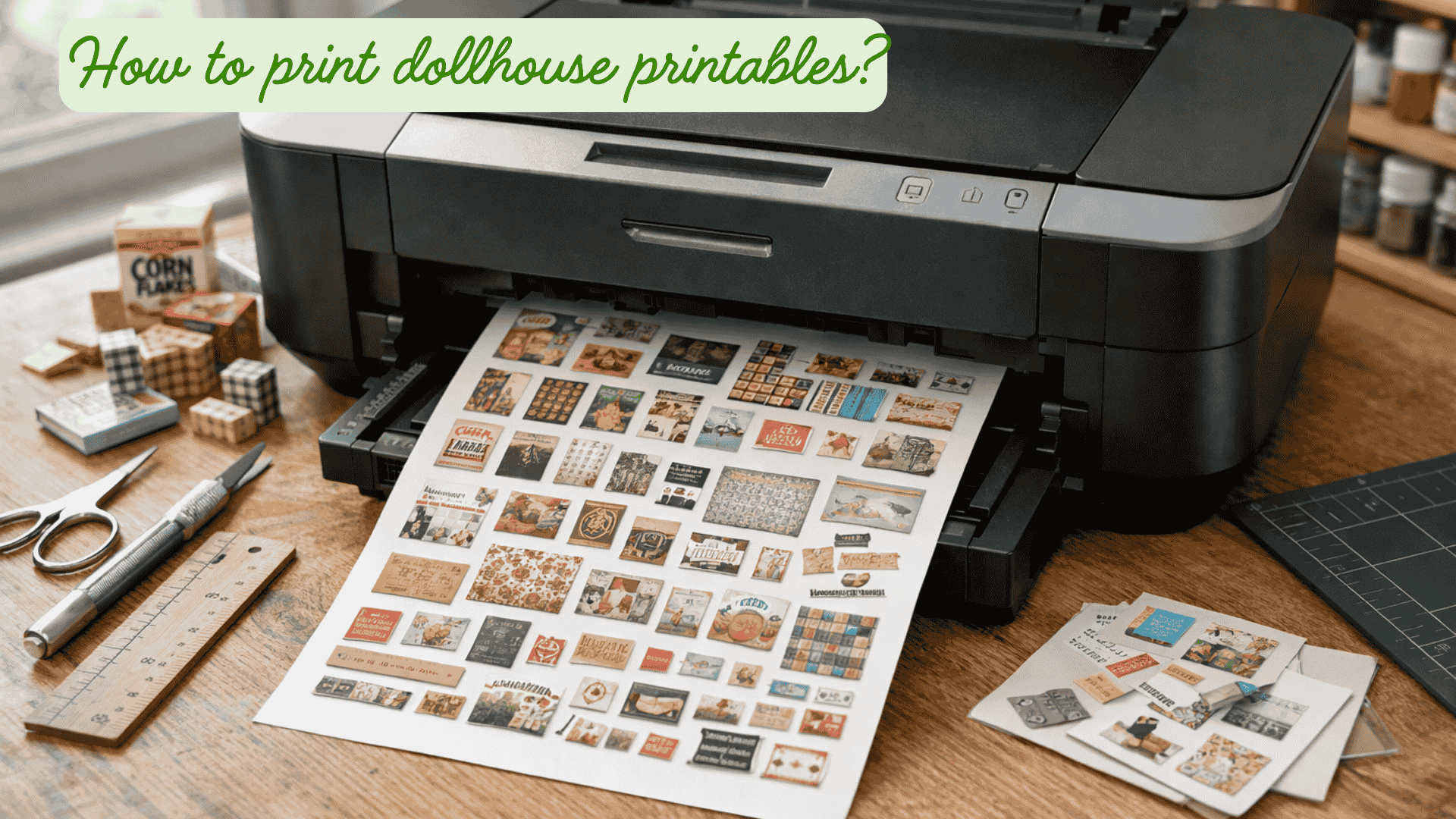
We all have been there when you are into this hobby: the miniature dollhouse printables, there is no way to avoid them if you want a miniature kitchen, for example, right?
Rest assured, like anyone else out there, I tried to print these in the right size/scale or on the right paper, and failed many times.
So today, I will try to tell you everything you need to know about miniature dollhouse printables: where to find them, how to print them, etc, let's go!
updated 09/11/23
But first: what do we use miniature dollhouse printables for ?
Well, there are extensive options for using miniature printables, a little list:
- Print out miniature paper rugs
- miniature bookcovers
- Print out paper boxes, for example little Amazon boxes

- print out (glossy) miniature wallpaper
- print out miniature food (cans, cereal boxes, and so much more)
- print out leaves for plants, petals, etc..
- printables for all kinds of boxes (shoes, mini-games, storage boxes, etc)
- labels for soda/beer/wine bottles, etc..
- miniature shopping bag labels..
- miniature paintings and drawings..
- mini posters and pictures..
- Halloween - printables..
- dollhouse furniture printables
- and so much more!
I'm sure that I have forgotten lots of the possibilities! And I need to mention that these exist for different scales: 1:12, 1:24, and 1:6.
Also, don't forget that you could still decorate your dollhouse without using a printer, but that's another topic 🙂
First our main question: how to print miniature dollhouse printables?
Let's head to our little walkthrough on how to print these dollhouse printables, step by step:
The settings of your printer.
Something quite important in this is the settings of your printer.
There's no escaping from this: the better your printer is, the better your printables will likely get.
Make sure that the quality settings are set to the best quality.
Download the files first!
If you try to print the printable just like that (by using a screenshot), it will come out blurry, so make sure to download the file first! This seems a common mistake.
A PDF file is even better for a good result. (don't ask me why haha)
When I send out my newsletters with little printable gifts, I always make sure to turn them into a PDF file first, so that you don't need to worry about that and you will always get the best quality.
If you don't like to have all kinds of printables to print on one piece of paper (and waste a lot of expensive ink), or you would prefer your own collection, you can always copy-paste the printables that you like into a Word document.
Like Ms. Mini Lover explains in her video below. She also explains how to make sure to use the right settings.